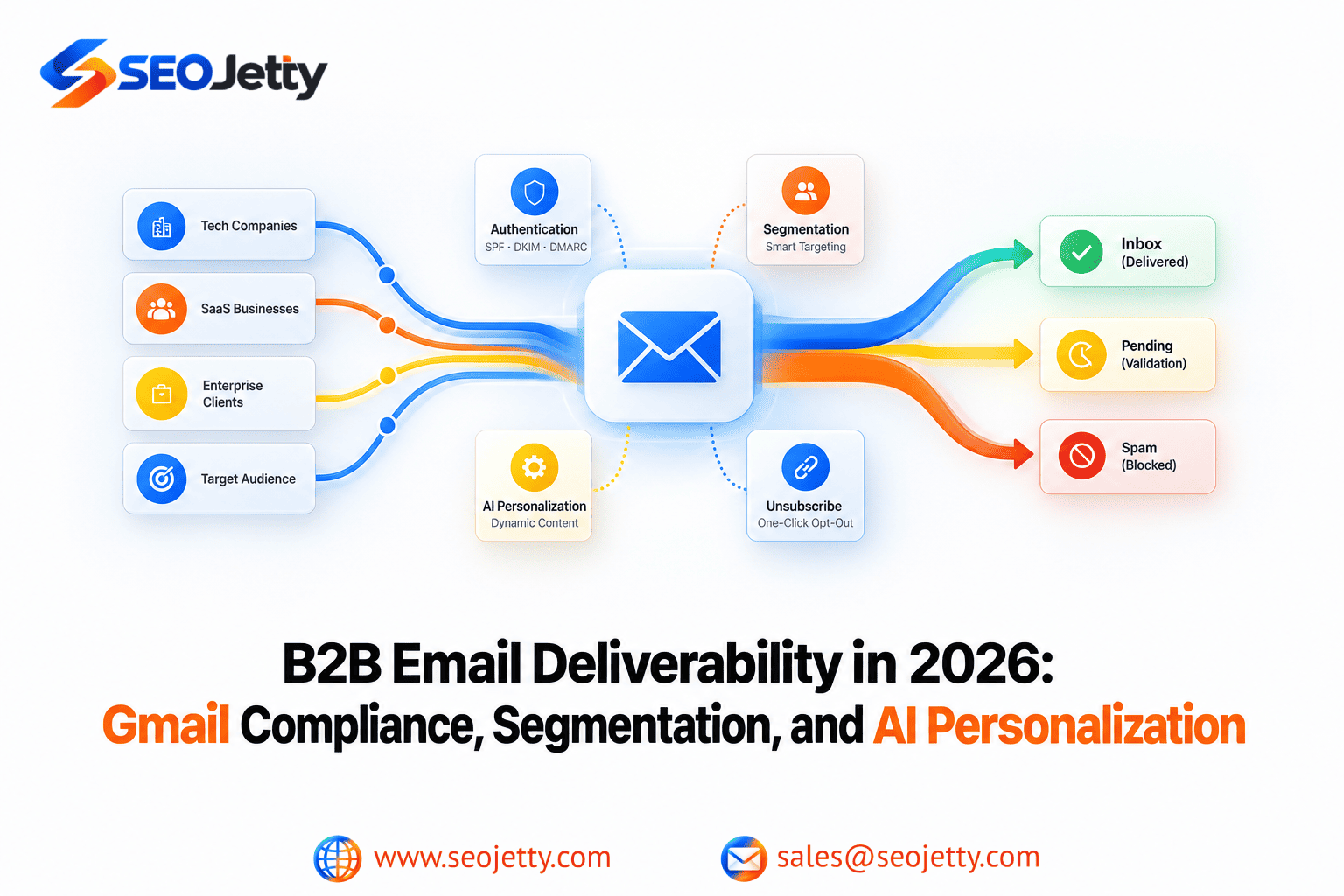
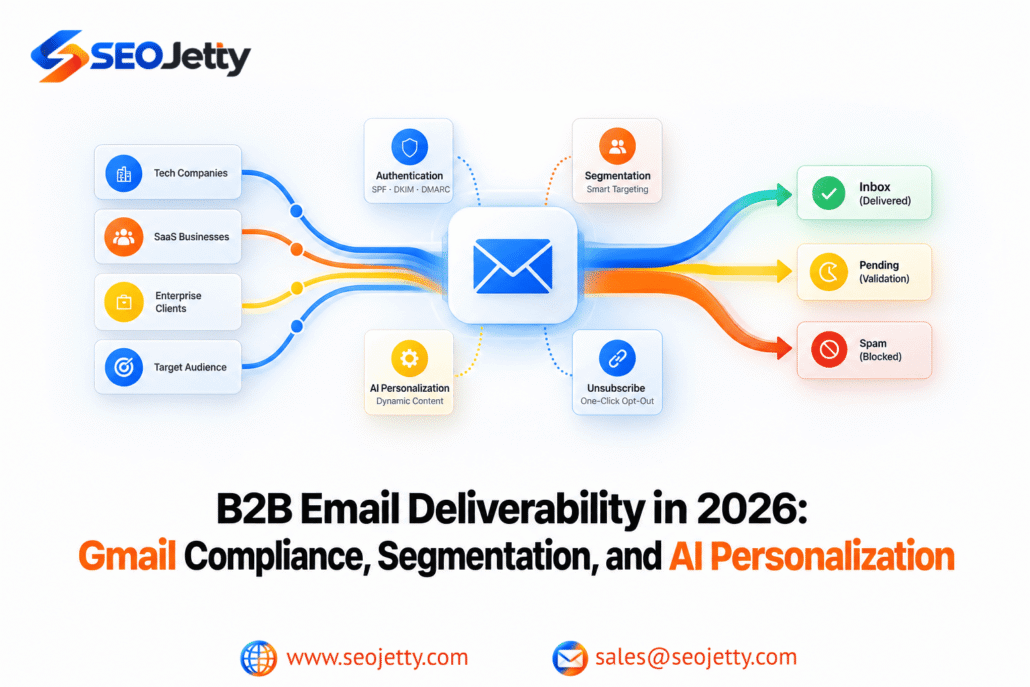
A personalized email can still reach the wrong person, arrive too often or land in spam. Adding a recipient’s name—or generating a unique opening with AI—does not resolve authentication failures, unclear permissions or a broken unsubscribe process. For B2B SaaS and technology teams, a reliable campaign starts with three separate checks: mailbox-provider requirements, applicable marketing rules and the recipient’s reason to welcome the message. This guide provides a practical pre-send audit, followed by a measurement framework. Requirements were checked on October 9, 2026; review the linked sources when your sending setup or target market changes.
Understand which Gmail requirements apply
Google’s sender guidelines apply to personal Gmail accounts, including gmail.com and googlemail.com addresses. They are not a complete specification for every corporate inbox.- All senders: Use SPF or DKIM authentication, TLS, valid forward and reverse DNS, standards-compliant messages and a user-reported spam rate below 0.3%.
- Bulk senders: Use SPF and DKIM, plus DMARC with at least a p=none policy. For direct messages, the visible From domain must align with a passing SPF or DKIM domain.
- Bulk marketing and subscribed messages: Support one-click unsubscribe and include a clearly visible unsubscribe link in the body.
Audit actual messages, not just DNS records
List every system that sends for your brand: newsletters, sales sequences, CRM workflows, webinar follow-ups, product notifications and support tools. Record each system’s owner and sending domain. Send representative tests through the real production routes to accounts your team controls. Inspect the received authentication results and confirm that the expected domain is being authenticated. A vendor saying “setup complete” is not sufficient evidence that every workflow uses the correct configuration. Record configuration issues separately from audience issues. If one automation signs messages differently from the main campaign platform, repair that route before changing the entire campaign strategy. Authentication helps establish sender identity. It does not establish that recipients requested the message or guarantee inbox placement.Make unsubscribe work across the campaign system
A footer link and standards-based one-click unsubscribe serve different functions. RFC 8058 uses an HTTPS List-Unsubscribe header and a List-Unsubscribe-Post header, with a POST request that processes the opt-out without additional recipient interaction. The relevant headers must be protected by DKIM. Ask your email provider to confirm this implementation; adding text to an HTML footer does not create the required message headers. Google’s bulk-sender guidance calls for honoring unsubscribe requests within 48 hours. Test the entire journey with a controlled address: unsubscribe, check the suppression record and verify that queued marketing stops. If a CRM sync or spreadsheet import adds the address back, the unsubscribe feature is incomplete in practice. Define suppression scope clearly. An opt-out from all marketing should not leave a parallel sales automation running because it uses a different application.Check the audience and the applicable marketing rules
Before using a list, record its source, collection date, stated purpose, permission or other applicable legal basis, and suppression status. Email verification can assess address quality; it cannot establish consent or recipient expectations.United States: commercial B2B email is covered by CAN-SPAM
The FTC’s CAN-SPAM guide explains that the law applies to commercial messages, including B2B email. Requirements include accurate sender information, non-deceptive subjects, appropriate identification as advertising, a valid postal address and a clear opt-out mechanism. Opt-outs must be honored within 10 business days, and the mechanism must remain operational for at least 30 days after sending. These legal time limits do not replace a provider’s stricter requirements. Hiring an agency does not remove the advertiser’s compliance responsibility.United Kingdom: distinguish corporate and individual subscribers
The ICO’s B2B marketing guidance distinguishes corporate subscribers from individuals, including sole traders and some partnerships. Unsolicited marketing email to corporate subscribers generally does not require consent under PECR, but sender identity and a valid opt-out address remain necessary. For individual subscribers, consent or a valid soft opt-in is generally required for unsolicited email marketing. Where personal data is processed, UK GDPR obligations also apply, including a lawful basis, transparency and the right to object. A business email address is not a blanket exemption. Have your privacy or legal owner confirm the rules for the actual audience and campaign type. These are key distinctions, not a complete legal assessment.Segment by relationship, need and timing
After eligibility checks, use segmentation to decide what would be useful to each recipient. The following is a suggested operating model, not a Gmail requirement:- New subscribers: Deliver the content they requested and explain what future communication to expect.
- Active evaluators: Provide relevant product answers, implementation material or an agreed next step.
- Customers: Separate helpful adoption content from unrelated acquisition offers.
- Dormant contacts: Review continuing eligibility and relevance before sending another sequence.
Use AI to improve relevance, with evidence behind each claim
Give AI an approved set of facts and a clear purpose. For example, use a recipient’s explicitly selected topic to choose a relevant guide. Avoid having the model invent an urgent business problem from a job title. Illustrative example: “You selected integration planning when registering for the webinar; here is the implementation checklist” is appropriate only if that selection is recorded. “I noticed your team is struggling with integrations” asserts something you may not know. Before approving an AI-assisted campaign:- Identify the source of each personalized factual statement.
- Use a neutral fallback when a field is missing or uncertain.
- Review complete rendered messages, including unusual data combinations.
- Keep unnecessary personal information out of generation inputs.
- Check offer accuracy, destination links and the intended next action.
Monitor delivery health and business results separately
Google Postmaster Tools provides separate views for compliance, spam rate, domain and IP reputation, authentication, encryption and delivery errors. The compliance view is not the same as a complete campaign dashboard. Its data covers personal Gmail traffic, is not real time and may be limited at low volumes. A low reported spam rate does not prove good inbox placement: Google notes that mail automatically routed to spam can leave fewer inbox messages for users to report. Use a separate campaign scorecard:- Delivery health: Attempted sends, accepted messages, permanent failures, temporary deferrals and complaint signals.
- Audience response: Unsubscribes, substantive replies and useful website actions.
- Commercial outcomes: Qualified enquiries, accepted meetings and opportunities under a stated attribution method.
A practical pre-send decision checklist
Use this as an internal approval process, with an owner for each check:- Confirm audience source, eligibility and suppression status.
- Verify the sending route using received test messages.
- Test unsubscribe processing and queued-message suppression.
- Review segment overlap and contact frequency.
- Check personalized claims, fallback text and links.
- Review recent delivery signals and record the campaign baseline.
- Set a monitoring owner and conditions for pausing the send.